
Studio Ghibli guide
Studio Ghibli Wallpapers: The Official, Free Way
Want a Studio Ghibli wallpaper for your desktop or phone? You don’t need a sketchy wallpaper site. Studio Ghibli itself offers free, high-resolution film stills on its official website. Here’s where to find them, how to use them, and some original Ghibli-inspired wallpapers made by our artists.
By James Henry · Last updated: October 19, 2026
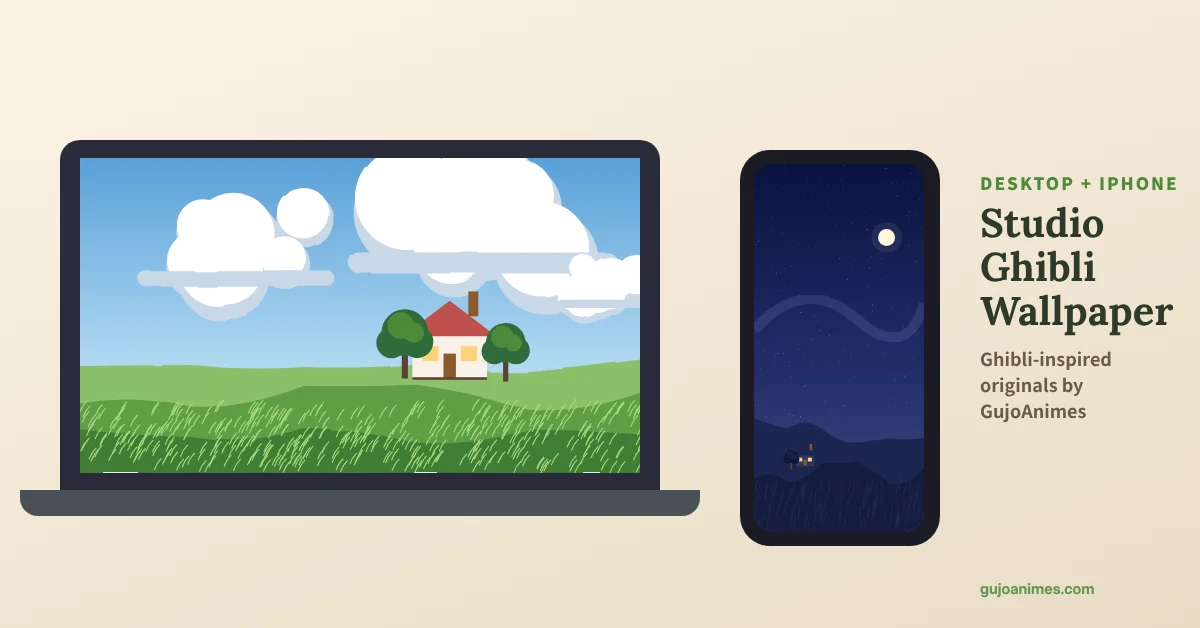
Studio Ghibli’s free official images
In September 2020, Studio Ghibli began releasing free scene images from its films on its official website. It started with 400 images, 50 from each of 8 films:
- Spirited Away
- Ponyo
- Tales from Earthsea
- The Tale of the Princess Kaguya
- From Up on Poppy Hill
- The Wind Rises
- When Marnie Was There
- Arrietty
More films were added later: My Neighbor Totoro and other classics arrived in November 2020, and images from The Boy and the Heron followed in 2023 and 2024. Producer Toshio Suzuki asked fans to use the images freely “within the bounds of common sense.” In practice, that means personal use, like your own wallpaper. Don’t sell them, print them on products, or pass them off as your own.
How to set a Studio Ghibli desktop wallpaper
- Open the official archive and choose a film.
- Click an image to view it full size, then save it.
- Windows: right-click the desktop → Personalise → Background → Browse.
- Mac: System Settings → Wallpaper → Add Folder or Photo.
- The images are wide (around 1920 px), so they fit most screens well.
Studio Ghibli iPhone wallpaper tips
Film stills are wide, so for a phone:
- Save the image to Photos.
- Go to Settings → Wallpaper → Add New Wallpaper and choose the image.
- Pinch to zoom and move the image so the focus (a character, a cloud, a house) sits in the middle of the screen.
- Scenes with lots of sky work best because there’s room for the clock.
Studio Ghibli Zoom backgrounds
In spring 2020, Ghibli also released official virtual backgrounds for video calls. Look for them on the official site, or use any official still as a background in Zoom, Teams or Google Meet.
Original Ghibli-inspired wallpapers from GujoAnimes
These six wallpapers were painted for GujoAnimes in a Ghibli-inspired style. They are original art, with no Ghibli characters, logos or traced frames. Each comes in a desktop size (2560×1440) and a phone size (1179×2556), free for personal use.
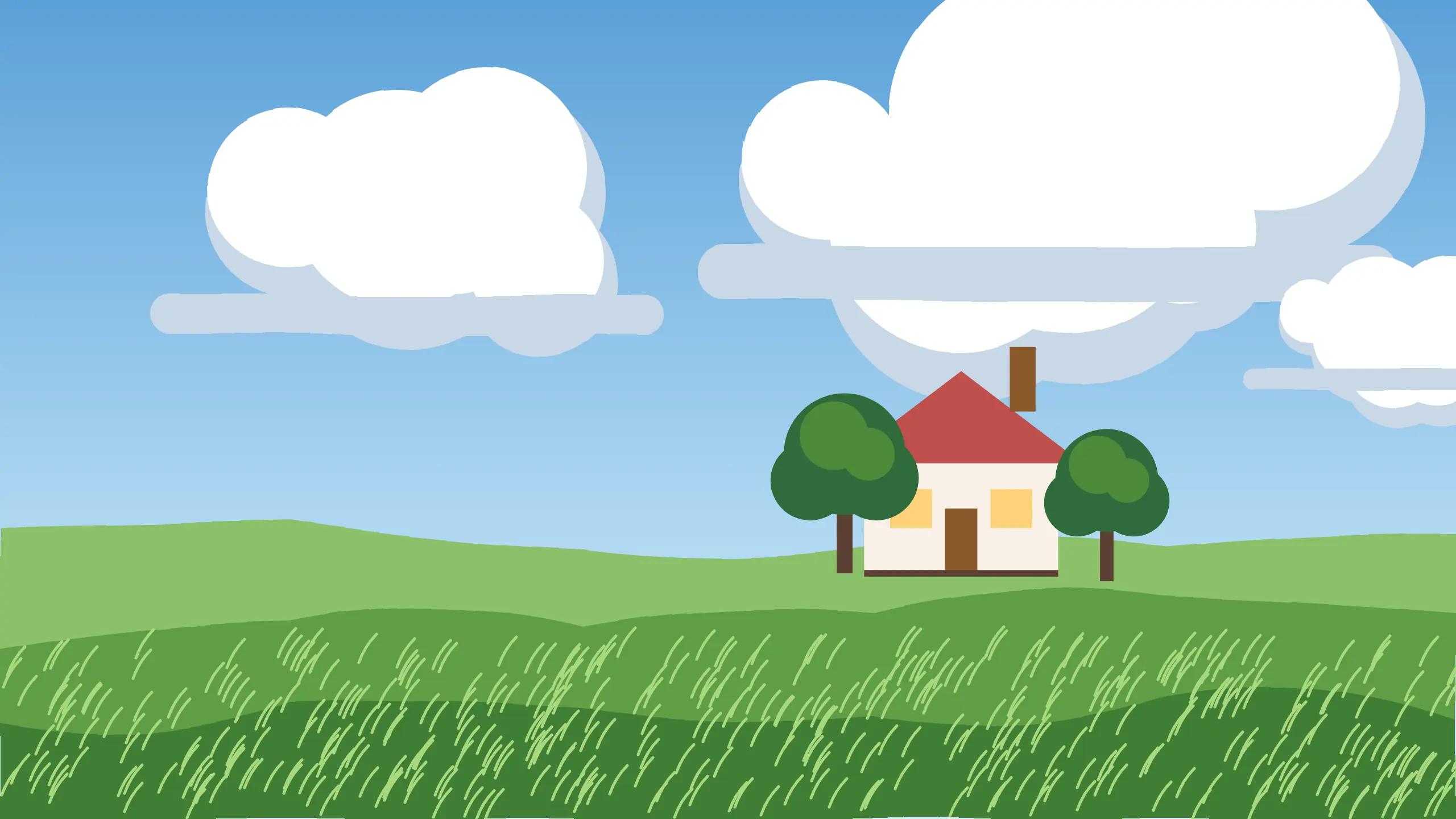
Cloudy hillside
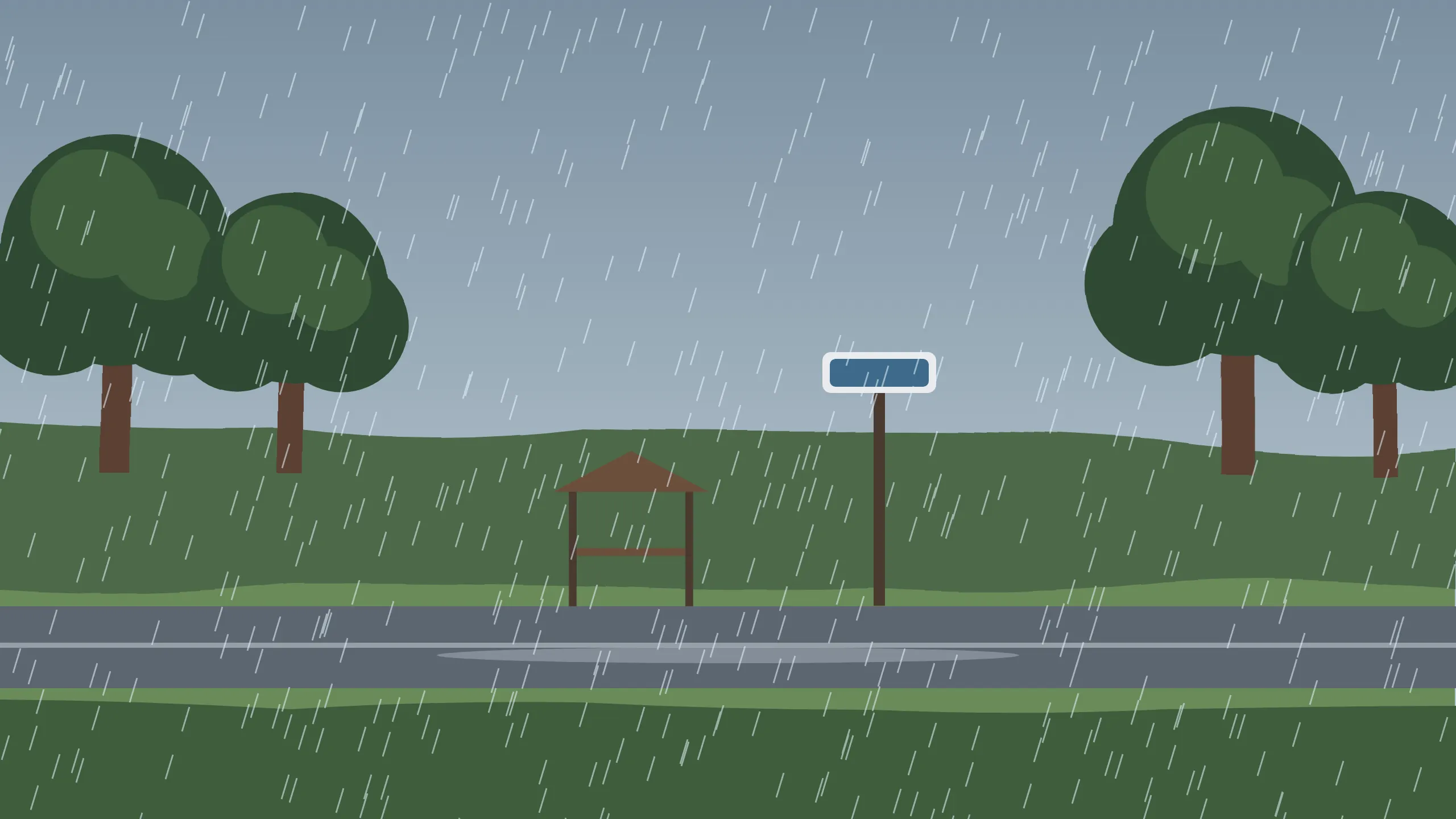
Rainy bus stop

Seaside town

Forest path

Cozy kitchen

Night sky
How to set a Studio Ghibli wallpaper
| Device | Steps |
|---|---|
| iPhone | Settings, Wallpaper, Add New Wallpaper, choose the photo |
| Android | long-press the home screen, Wallpapers, choose the photo |
| Windows | right-click the image, Set as desktop background |
| Mac | System Settings, Wallpaper, add the photo |
Best Studio Ghibli wallpaper sizes
| Screen | Recommended size |
|---|---|
| Most phones | 1080 x 1920 or higher |
| Full HD desktop | 1920 x 1080 |
| 4K desktop | 3840 x 2160 |
| Tablets | 2048 x 2732 or similar |
Studio Ghibli wallpaper ideas by mood
- Calm: green fields, blue skies and summer clouds.
- Cozy: rainy bus stops, warm kitchens and glowing windows.
- Magical: bathhouses, floating castles and night skies.
- Minimal: small characters on plain backgrounds for a clean home screen.
Use wallpapers the right way
Official Studio Ghibli artwork belongs to the studio. The studio has shared some official film stills for free personal use on its website, so check its terms before you use any image. Our original Ghibli-inspired wallpapers are made for personal use, so please do not sell or reupload them as your own.
Why use our Studio Ghibli wallpaper guide?
Our Studio Ghibli wallpaper guide helps you find safe, high-quality images in the right size for your phone or desktop, along with original Ghibli-inspired designs. Pick a Studio Ghibli wallpaper above, set it in seconds and change it whenever your mood changes.
More Studio Ghibli guides






Studio Ghibli Wallpaper FAQ
Fan site. Not affiliated with Studio Ghibli.